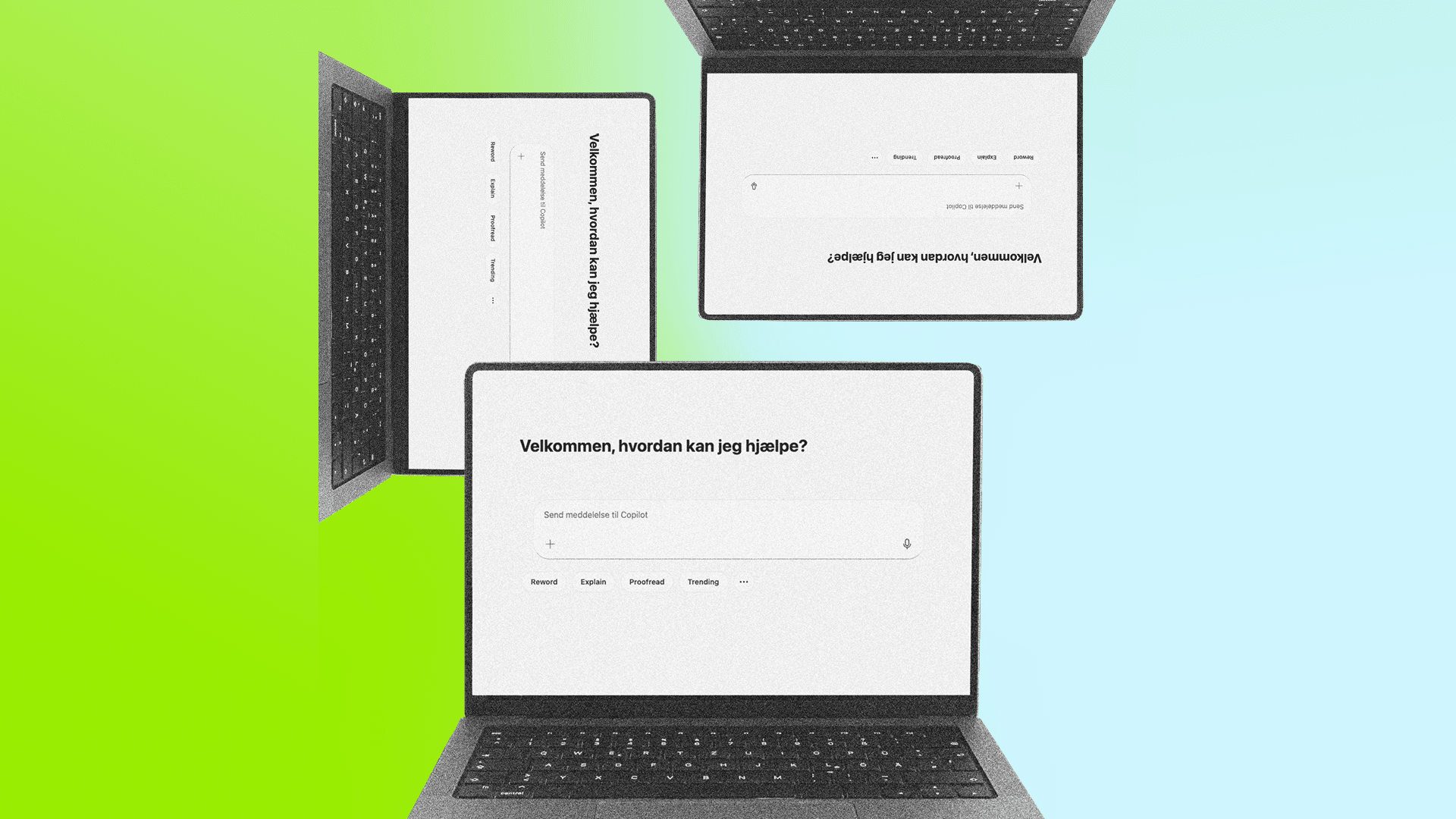

Microsoft Copilot Chat (or just Copilot) is a tool that uses a powerful language model integrated with Microsoft Bing's search function and optionally Microsoft's browser Edge. It is designed to generate new content, including text and graphics. Copilot can also analyze, improve and build on existing content based on the instructions you provide.
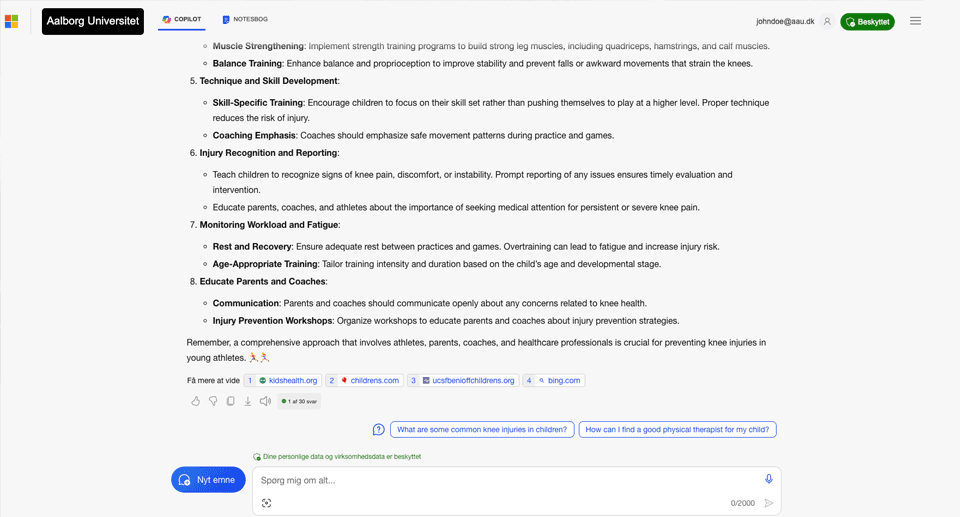
You must remember to log in with your AAU username before you start using Copilot in an AAU context. This means that you enter a secured environment with commercial data protection. This is indicated by a green seal which you should look out for and make sure is present. If you just google Copilot, you will probably be taken to a general Copilot page where it is not possible to log in with your AAU username. Therefore, always use the link above.
Commercial data protection means that you are in a closed prompt where the responses are not used to train the model or shared with others.
Commercial data protection does not mean you can just share anything you want with Copilot, like personal data, confidential or sensitive information. You must still comply with AAU's data classification which you can read about on the page about Generative AI and security.
Commercial data protection also does not mean that you are free to override copyright.
Different ways to access Copilot
Copilot is not just a service you access through a web page. See the different ways you can access and use the platform.

Copilot in Microsoft Office
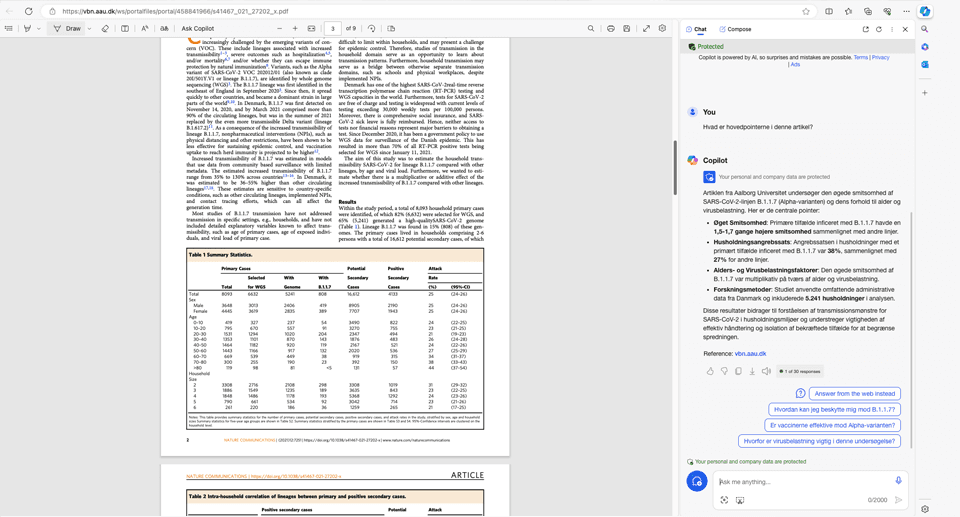
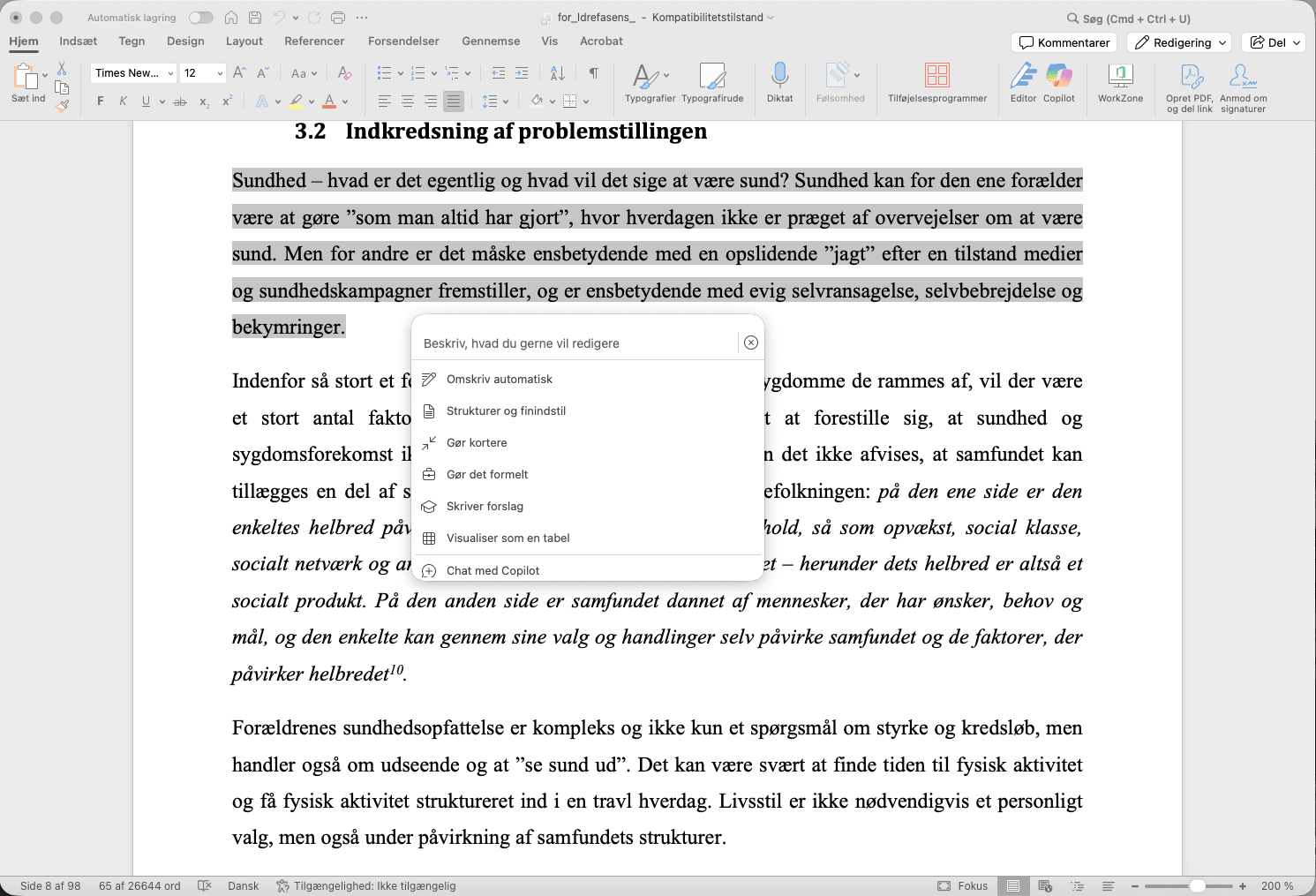
Microsoft is expanding the functionality of Copilot Chat to be available directly in Word, Excel, PowerPoint, Outlook and OneNote. This means that staff and students at AAU can get AI assistance directly in the programs we use daily without having to cut and paste or upload files manually.
Thus, you can
- open Copilot in a side panel, for example in Word, and it will automatically operate in the document you are currently working on.
- quickly reference the contents of other files by typing "/" and finding relevant files based on your recent activity or searching for them.
How to work with files in Copilot
You have the option to upload files to Copilot, for example, a PDF file, an Excel spreadsheet, or an image from your camera. You can then refer to this afterwards in your prompt. For example, you can get the document analyzed or describe the content in the image.
There is a limit on file size and file types. Currently, you can upload files of a maximum of 512 MB and up to 20 files per session. Microsoft keeps an updated list of what file types you can upload.
Copilot works most efficiently with shorter documents. If you want to summarize a document or reference specific content, the document should not exceed more than 1.5 million words (about 300 pages). If you want to ask Copilot questions about the document, it is recommended that the size be kept under 1.5 million words. If you want to rewrite a document, it should not exceed 3000 words (about six pages).
Please note that Copilot may not process the entire document you are referring to, and especially if you do not comply with the limits above. Language models can tend to prioritize the beginning and end of a document and give less focus to the centre, which can affect the outcome.
Be aware that Copilot in the Edge browser has the ability to read the content of the tab that you open the sidebar in. This may inadvertently violate data classification if Copilot uses the content from the browser in your prompt.
No limit on conversation length
Previously, there was a limit of a maximum of 30 prompts in a single conversation, after which Copilot shut down. That limit was removed in the February 2026 release of Copilot Chat.
If you find that Copilot (or any other chatbot for that matter) starts to lose focus or starts showing signs of hallucinations in longer conversations, you can ask Copilot to summarize the conversation for you and then copy the summary into a new chat and continue where you left off.
Copilot Chat is developing at a rapid pace and faster than we can keep up with on this page. So, the information can change overnight. If you want to be up-to-date with the latest developments, you may want to follow Microsoft's roadmap:
Differences between Copilot and ChatGPT
If you’ve tried using the same prompt in both Copilot and ChatGPT, you probably noticed that they do not necessarily respond in exactly the same way.
Although the two platforms share technology, there are differences. They do not necessarily use the same version of the GPT model, as technological development is not synchronized between the two platforms. Currently, Copilot uses models in the series GPT-5 from OpenAI and is thus on par with ChatGPT.
The GPT models are also not adapted in quite the same way. For example, ChatGPT is probably more oriented towards conversation, where Copilot is more task-oriented. You can experience this by Copilot appearing more concise and formal in its answers. Of course, you can always ask Copilot to answer in more detail and informally if you wish.
Copilot very often uses an internet search to enrich its answer and make it more precise (the method is called Retrieval-Augmented Generation or RAG). On the other hand, ChatGPT, depending on the settings, must specifically be asked to include content from an internet search. Without the use of RAG, the model only responds based on what it has learned through its training material. With RAG, the benefits of general information retrieval are also included.
Why choose Copilot over, for example, ChatGPT?
The right tool for the right job! It's hard to argue with that. Nor would we defend Copilot as always being the best choice. There can be many reasons to choose a different tool for a given task.
However, use the table below to consider whether there are any aspects of the task that make the choice lean towards Copilot, or whether another tool would be more appropriate given the nature of the task.
| Copilot Chat | ChatGPT |
|---|---|
| AAU is licensed through our agreement with Microsoft. | AAU has no license or agreement on use. |
| AAU has a data processing agreement with Microsoft. We have security around certain GDPR matters. | AAU does not have a data processing agreement with OpenAI. |
| We pay for the product. | You and your data are probably the product. |
| We pay for the product. | We do not know the business model, and we do not know whether services will be available tomorrow or what restrictions may suddenly be introduced. |
| There is a guarantee that your data is deleted and not used to train the model or be used for analysis. | There is no guarantee that your data will be deleted or that your data will not be used to train the model or used for analysis. |

Video presentation
Introduction to Copilot
The video below gives you a clear, practical introduction to how students can use Microsoft Copilot securely and effectively at AAU. Bjørn Bundgaard of ITS, Aalborg University goes through why you should log in, how our data protection agreement secures your information, and what Copilot can and cannot access. You also get an overview of useful features like GPT-5, Pages, and personal agents, as well as guidelines for what types of data you are allowed to use.
The video is for both new users and users who want to work more securely with Copilot.