IT tools
Generative AI at AAU
IT tools
Generative AI at AAU
Video presentation
AI as a study buddy
How can generative AI be used as an effective intellectual sparring partner to support your studies?
In the video below, Associate Professor and PhD Camilla Finsterbach Kaup demonstrates how students can use AI to understand complex academic texts, sharpen their curiosity and strengthen their critical thinking skills. This allows them to maintain control over the pitfalls and limitations of technology.
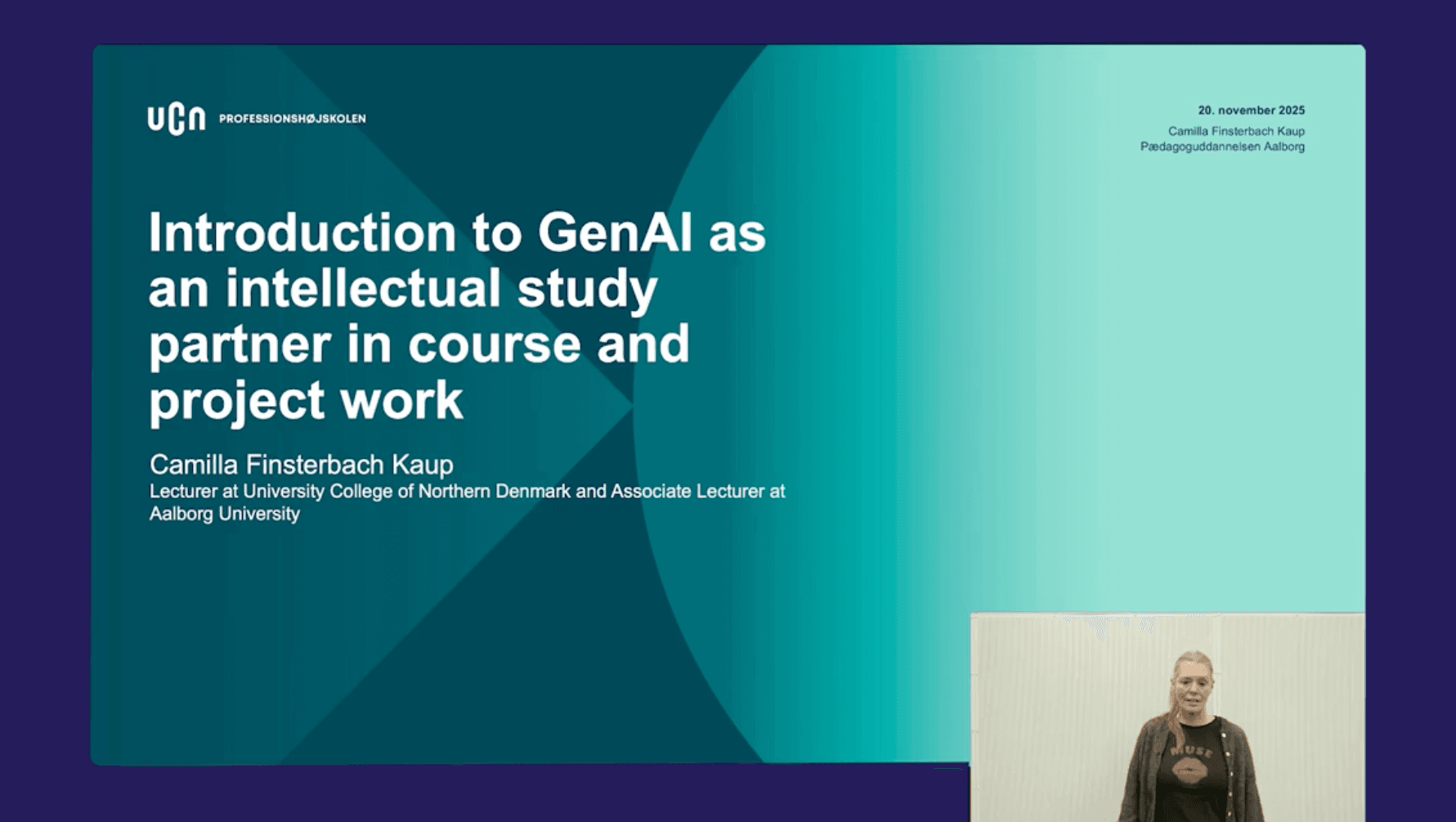
Taking a practical approach based on research among university students, Camilla Finsterbach Kaup considers how AI can complement your professional work rather than replace human thinking. Rather than replacing human thinking, we must work to support and strengthen learning and critical reflection. This is particularly important when the technology is used in a structured process.
Despite the challenges posed by AI's "black box" nature, built-in bias and hallucinations, as well as the importance of understanding how these systems work, Camilla urges us to move away from feelings of guilt and fear, and instead focus on judgement, transparency and academic application.
A key message is that AI should be seen as a thinking partner, a tool that can facilitate dialogue, challenge assumptions, and aid the collective creation of knowledge.
Video presentation
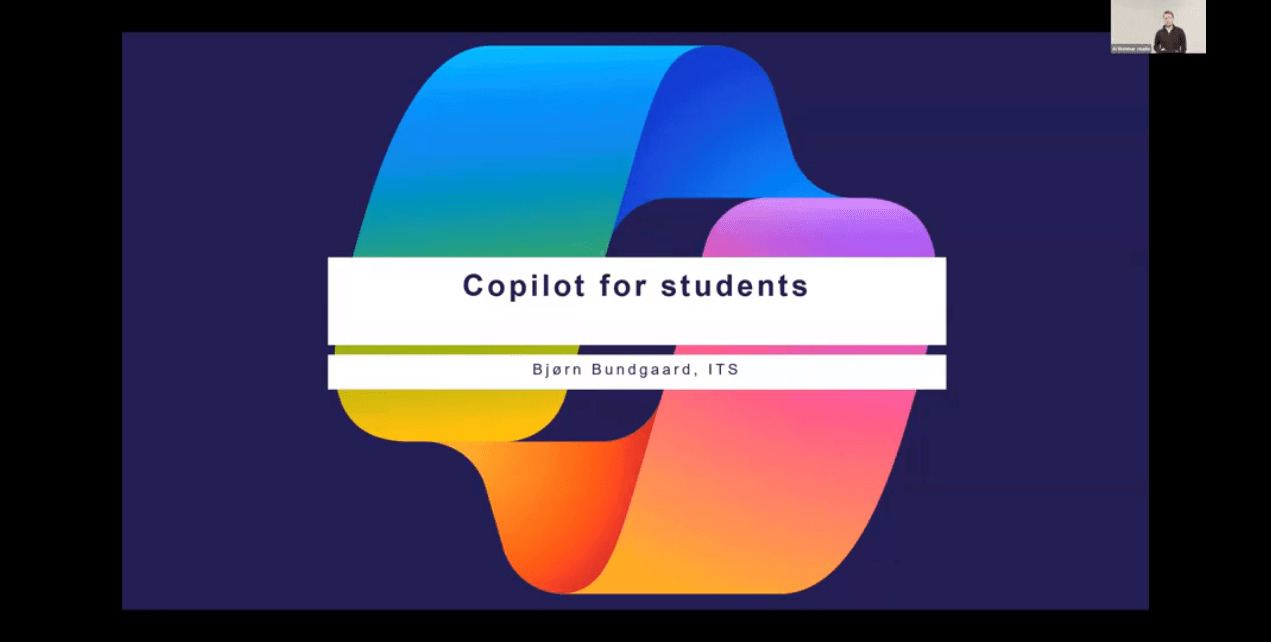
Copilot for students
In this video, you’ll get a clear and practical introduction to how students can use Microsoft Copilot safely and effectively at AAU. Bjørn Bundgaard from ITS walks you through the importance of signing in, how our data protection agreement keeps your information secure, and what Copilot can and cannot access. You’ll also learn about helpful features like GPT‑5 access, Pages, and personal agents, plus how to stay within the university’s data guidelines.
The video is intended for both new users and users who want to work more securely with Copilot.
Get started with Copilot
Video presentation
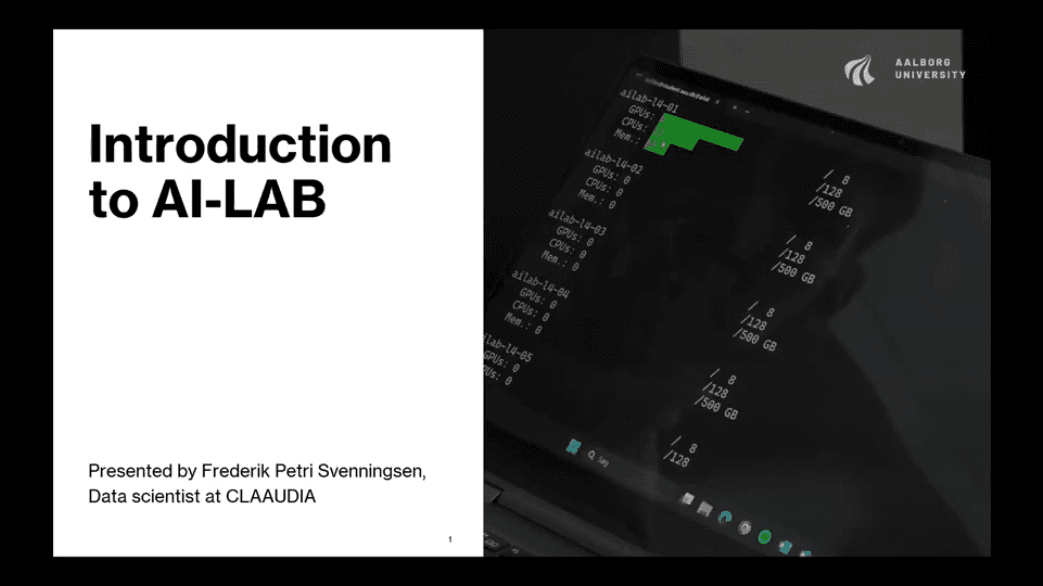
Introduction to AI-LAB
Meet AI-LAB! AAU's supercomputer for students, taking your projects far beyond the capabilities of your laptop
AI-LAB is a high-performance computing platform developed by Aalborg University for students and teachers working on demanding AI, machine learning, and data-intensive projects. In this video, Frederik Petri Svenningsen introduces how AI-LAB provides access to powerful GPU resources, enabling you to train advanced models, run large simulations and process extensive image datasets.
Video presentation
Introduction to generative AI and academic practice
Learn how to use generative AI critically, safely and transparently by exploring the university library's theme pages
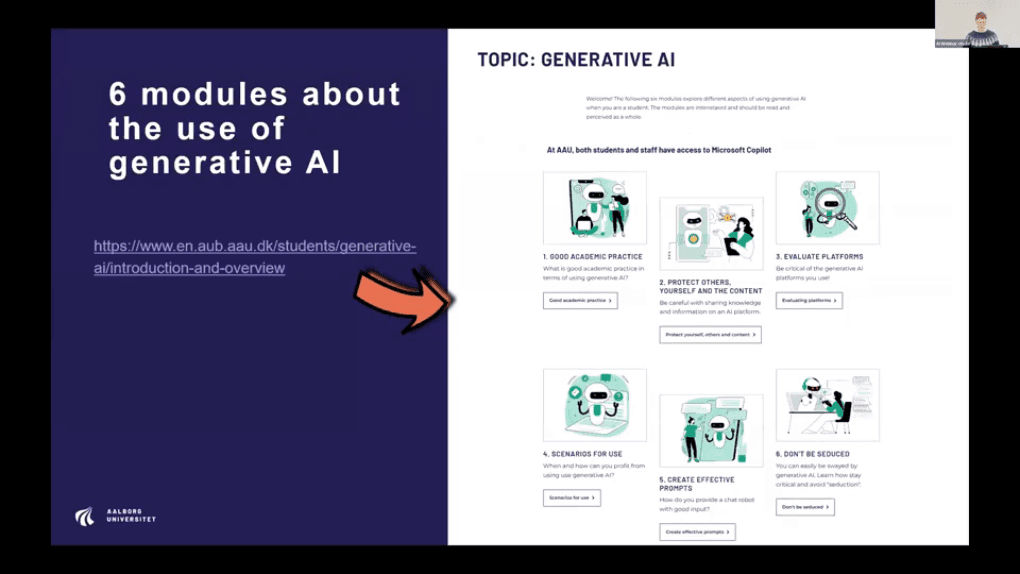
In this presentation, Helle Brink from Aalborg University Library introduces a number of modules to help you use generative AI in your academic work in a critical and responsible way.
The presentation covers topics ranging from good academic practice and transparency to data security, copyright, prompts, and the human and technological biases that influence output. Using concrete examples and practical advice, Helle explains which data you can upload, how to declare AI usage, how to avoid cognitive traps and how to develop stronger prompting and evaluation skills.
Generative AI and good academic practice
Are you familiar with the rules?
If you're unsure about the rules for using generative AI in project work and in exam situations, you can find more information on the page where the rules for using generative AI are explained.

Generative AI with Microsoft Copilot
As an AAU student, you can access Microsoft Copilot for free through the university's licence agreement. Copilot operates at the same technological level as ChatGPT, for example, but when you log in with your AAU username, your data is processed securely. This means that your content will not be shared with others or used for training or analysis purposes. We have created a guide to help you get started with Copilot and highlight what you need to be aware of when using it for your studies.